Themes
moneyflow includes 7 color themes to customize the TUI appearance.
Available Themes
Default
Original moneyflow look and feel using Textual's built-in dark theme colors.
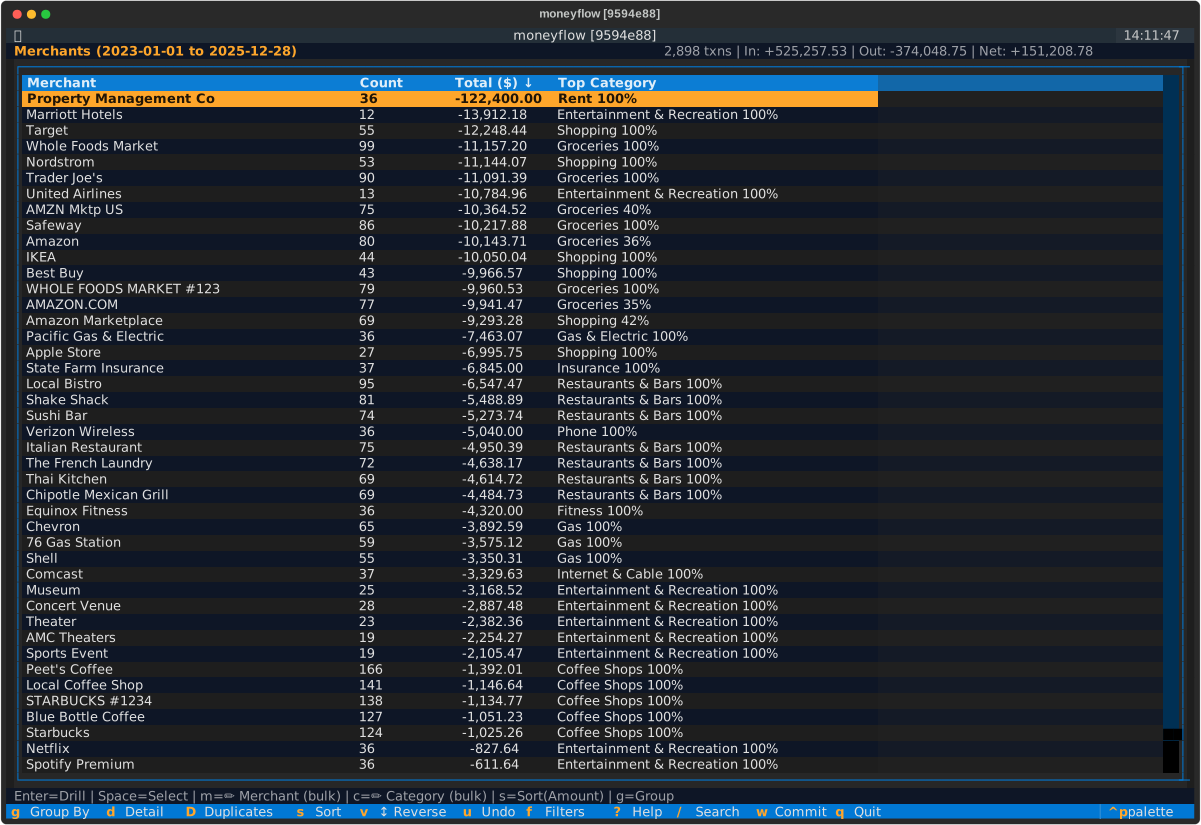
Berg
Warm amber aesthetic inspired by classic 1980s financial terminals. Muted earth tones for comfortable extended viewing.
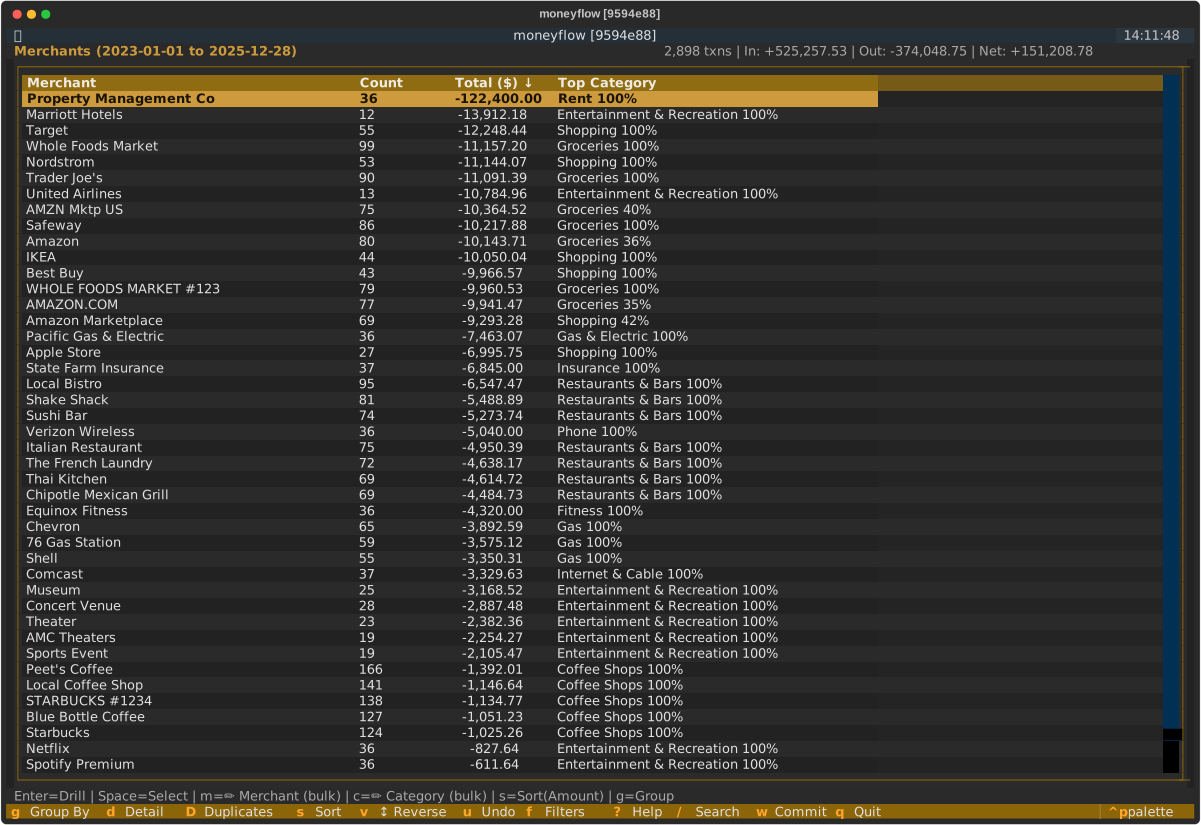
Nord
Arctic blue palette popular among developers. Cool tones designed for eye-friendly extended sessions.
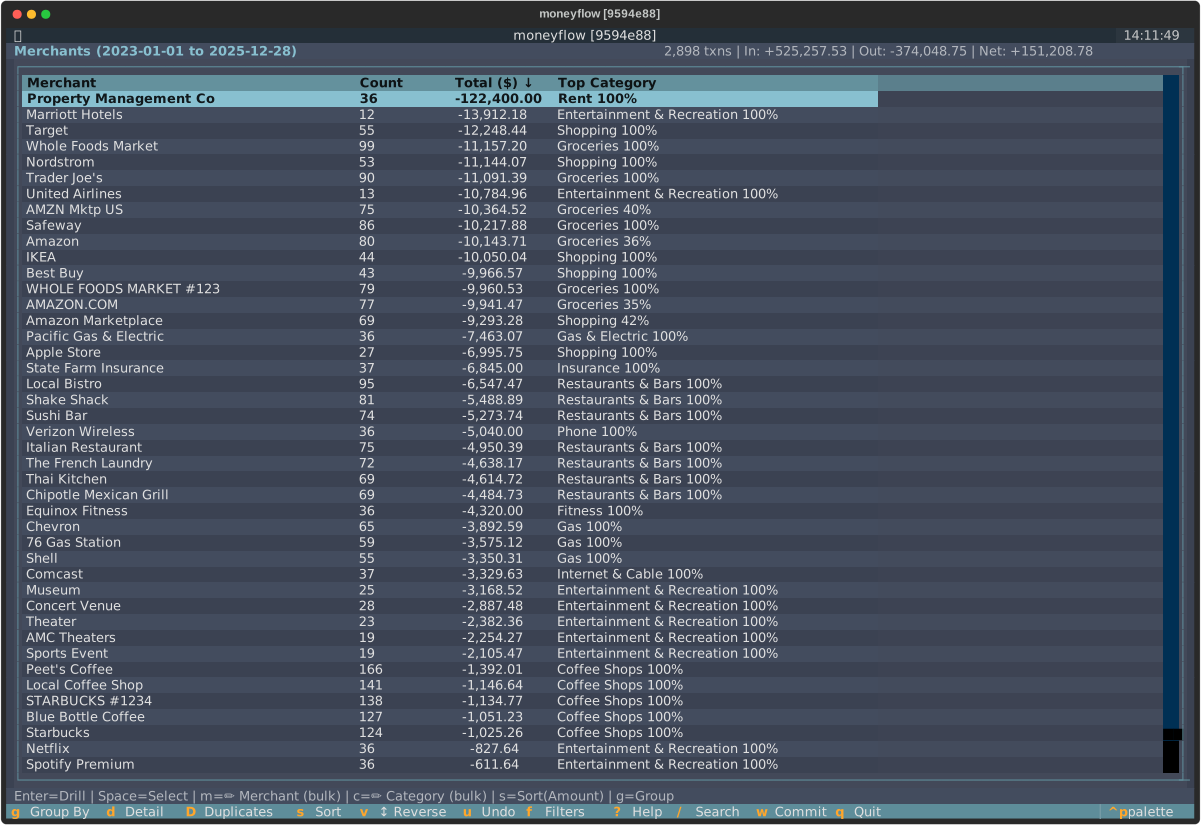
Gruvbox
Retro warm color scheme with vintage appeal. Beloved by terminal enthusiasts for its comfortable warm tones.
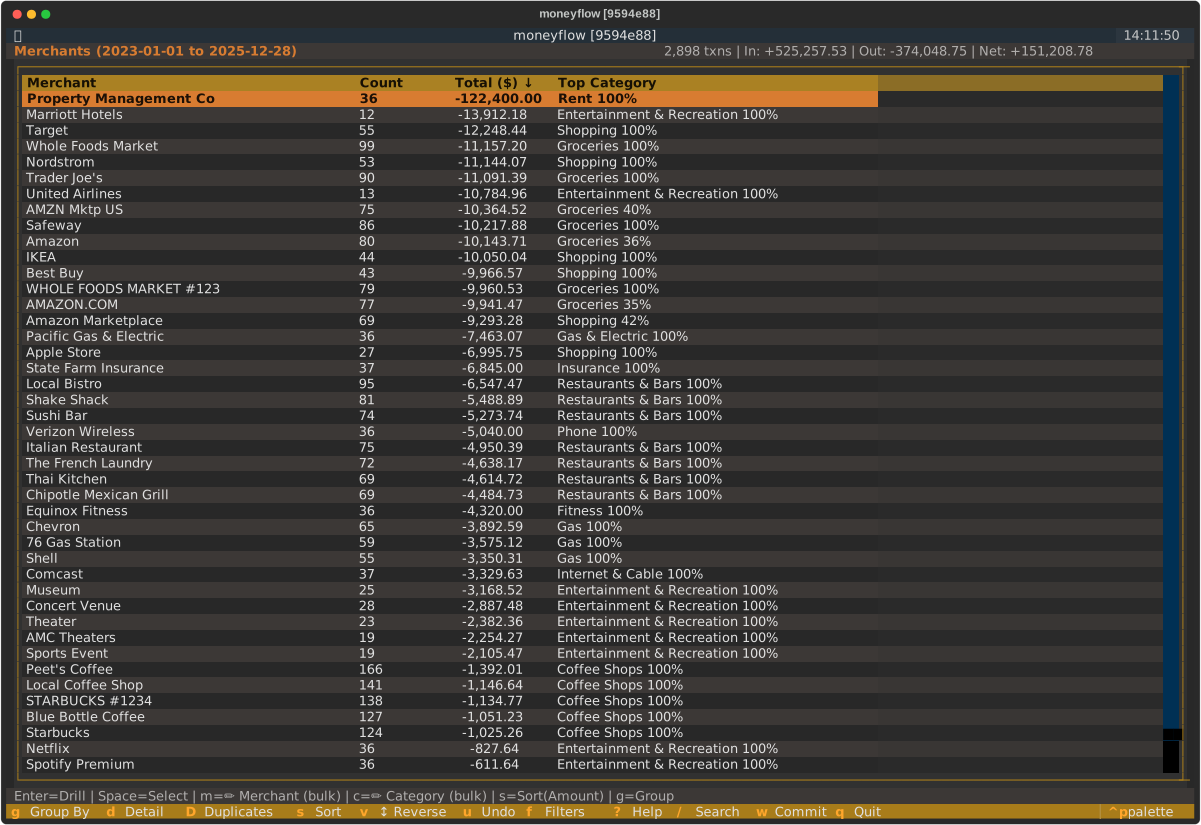
Dracula
Modern dark theme with purple accents. Popular across editors and terminals.
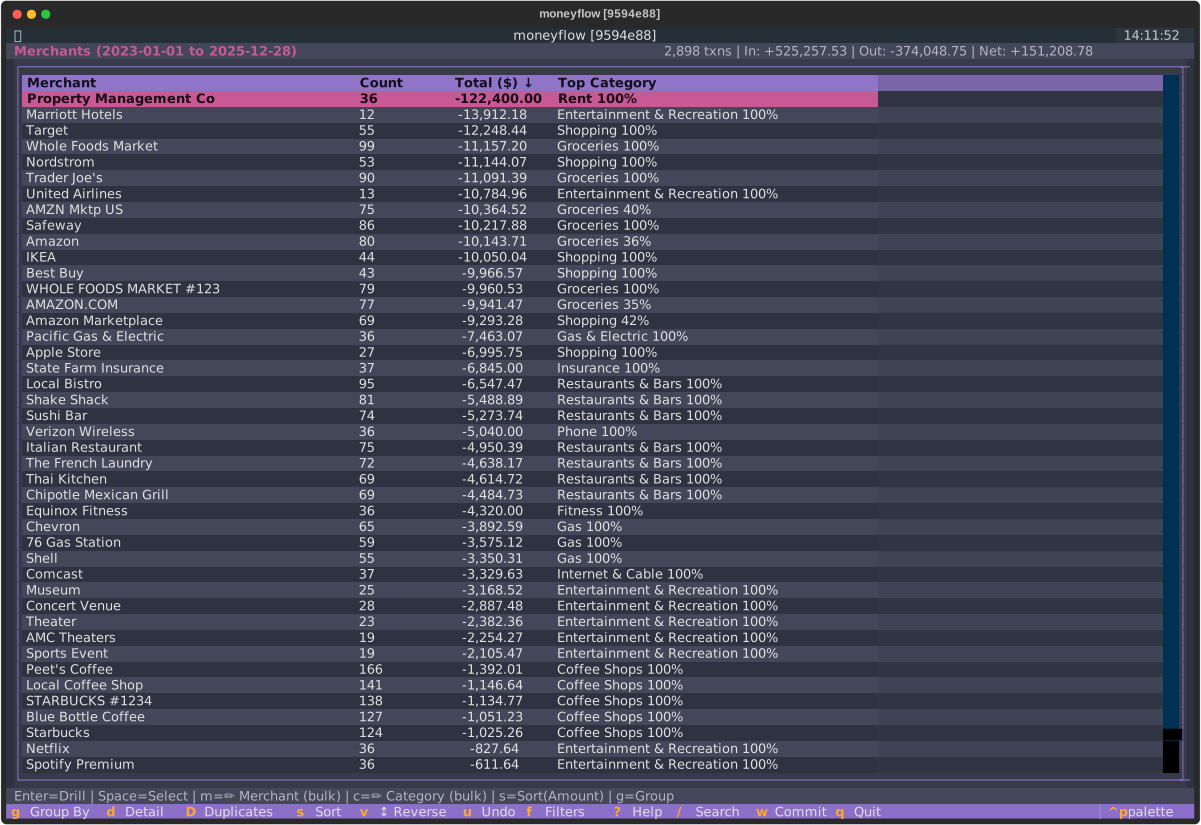
Monokai
Classic Sublime Text color scheme with vibrant syntax highlighting and warm earth tones.
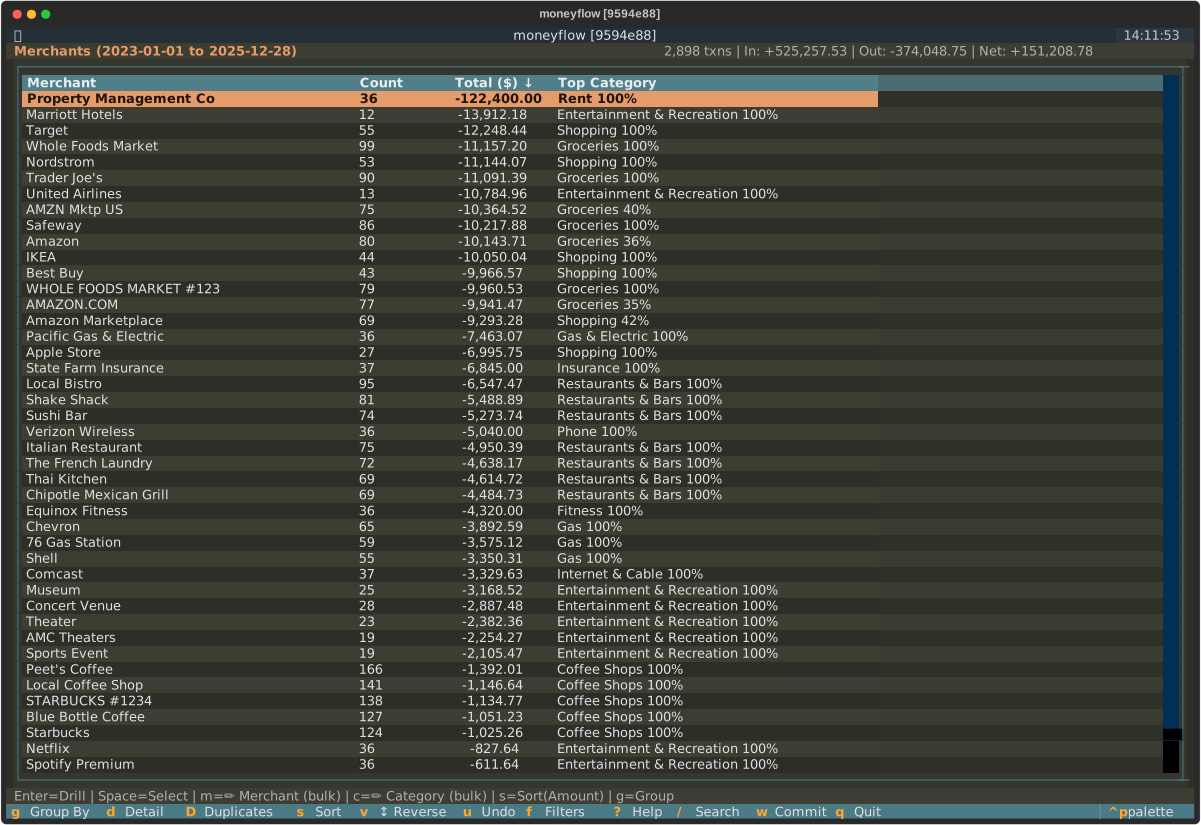
Solarized Dark
Scientifically designed precision color scheme by Ethan Schoonover. Optimized to reduce eye strain.
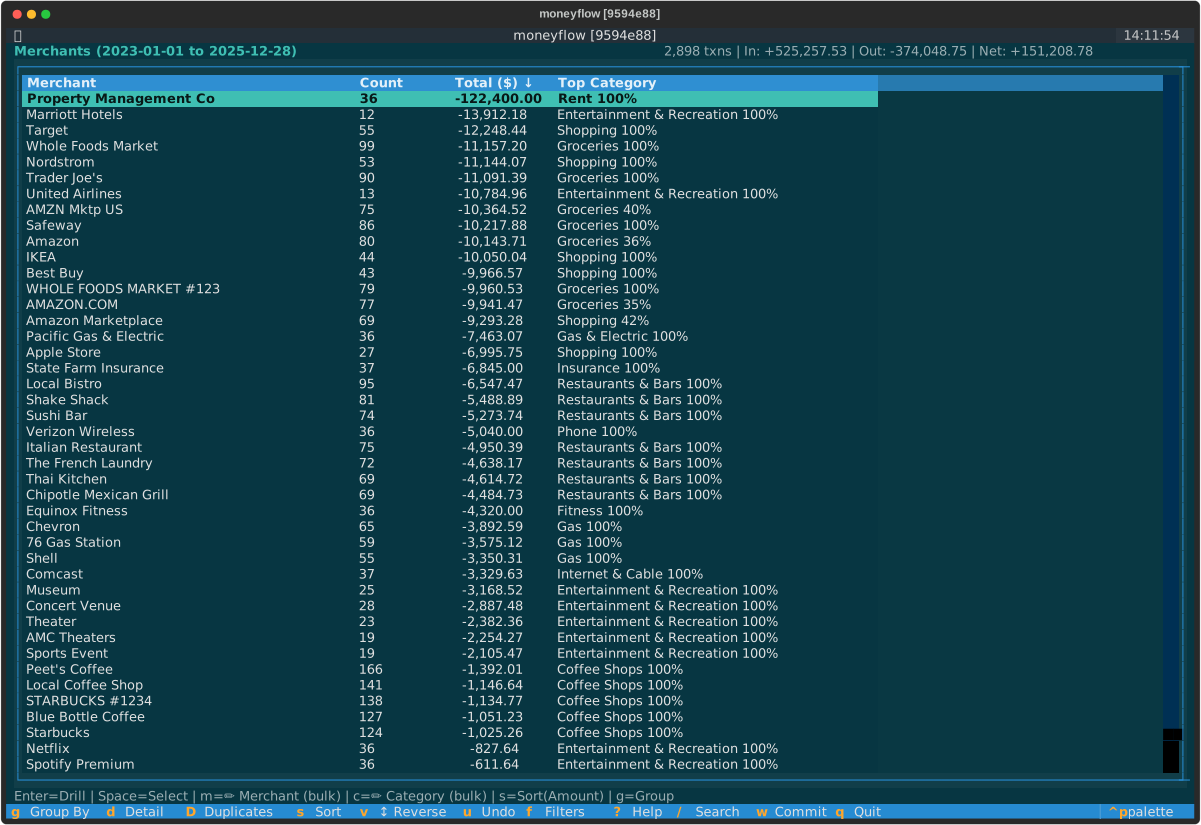
Configuration
Set Default Theme
Create or edit ~/.moneyflow/config.yaml:
Restart moneyflow for the theme to take effect.
Temporary Override
Use the --theme option to temporarily try a different theme without changing your config:
# Try the berg theme
moneyflow --theme berg

# Use nord theme for this session only
moneyflow --mtd --theme nord

# Test dracula theme
moneyflow --demo --theme dracula
The override only applies to the current session and doesn't modify config.yaml.
Invalid Theme Names
If you specify an invalid theme, moneyflow will show an error with the list of available themes: